Emails get buried.
Your most important updates compete with hundreds of unread messages. Open rates tell you the truth: most of your workforce never sees them.

Screenfluence turns the screens across your locations into one communication channel your entire workforce actually sees — managed from a single dashboard.
 4.7 on G2
 4.9 on Capterra
Trusted by 1,000+ organizations managing screens
across teams and locations.
Trusted by 1,000+ enterprises










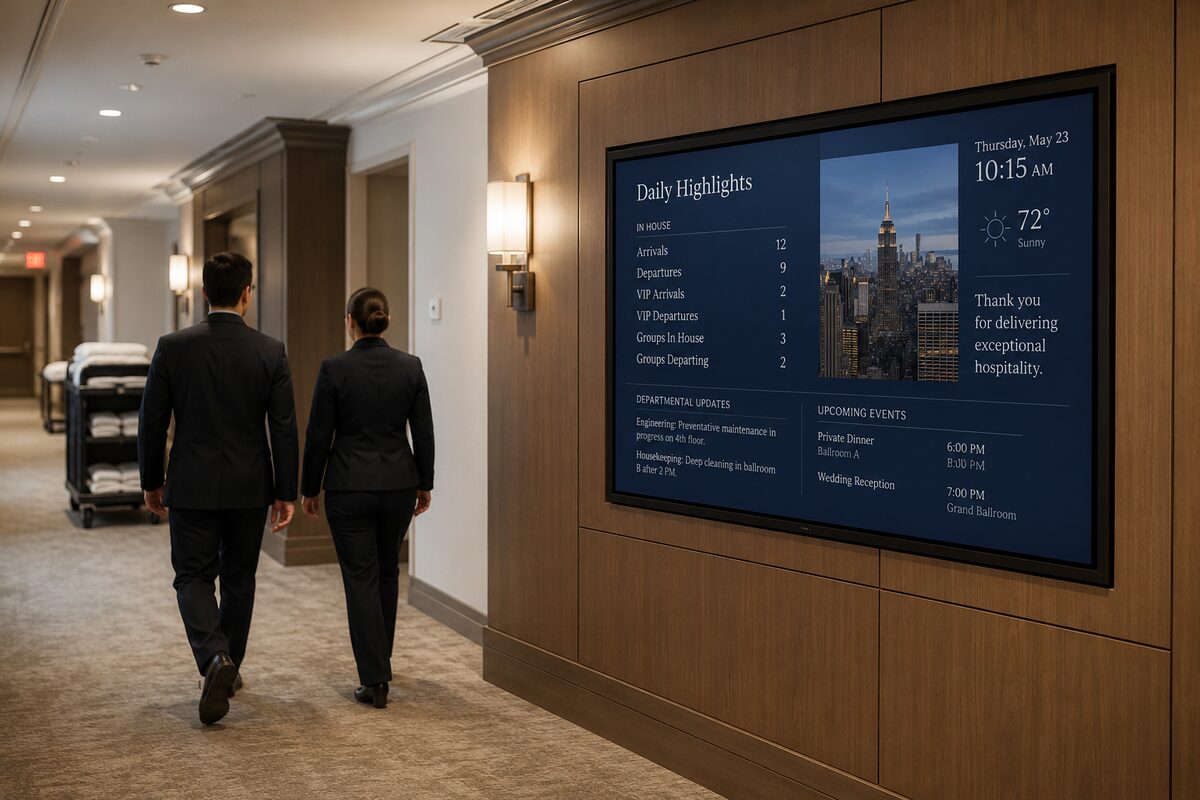
119 hotels across 30 countries. Le Méridien keeps properties aligned with associate communications, recognition and shift updates on screens their teams already pass.
Your most important updates compete with hundreds of unread messages. Open rates tell you the truth: most of your workforce never sees them.
Email, chat, intranet, portals, printed memos. When everything is a channel, nothing is the channel — and critical messages fall through the cracks.
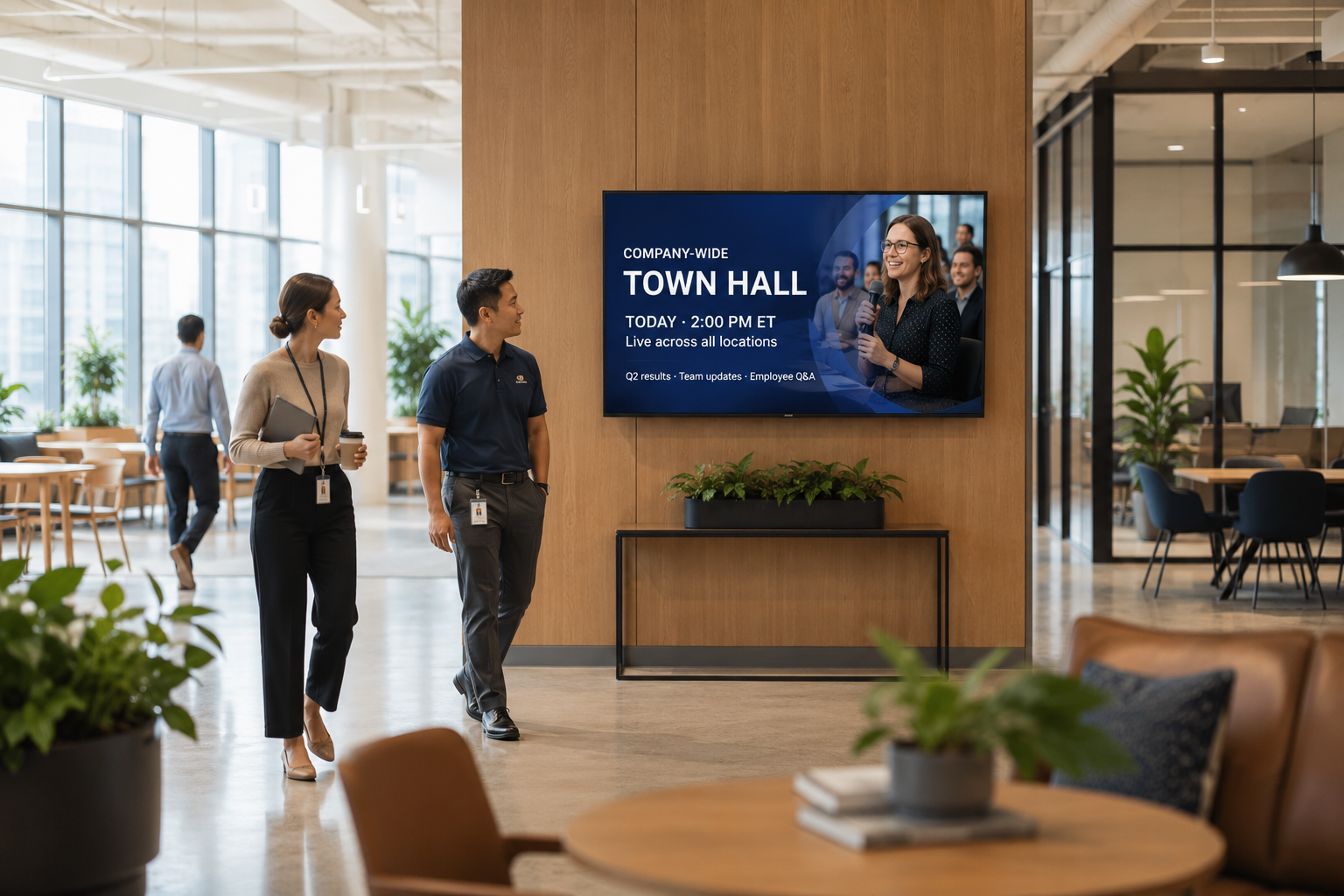
Warehouse, floor, clinic and store employees don’t sit in front of an inbox. If your communication lives on a desktop, it never reaches them.
95% of frontline workers say communication is essential — only 35% are highly satisfied with it.
Source: Microsoft Work Trend Index
Watch the full setup end to end — what arrives at your locations, how a screen goes live, and how content gets there.
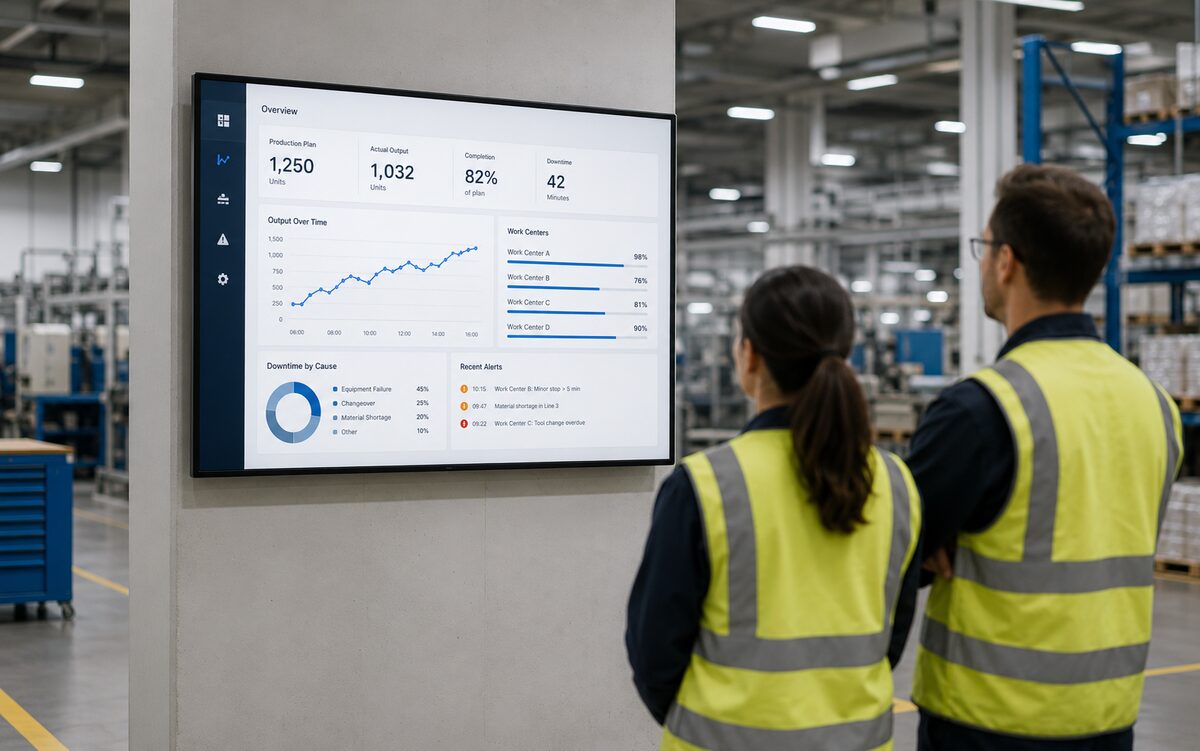
Keep every shift aligned with live production data, safety updates and instant alerts.
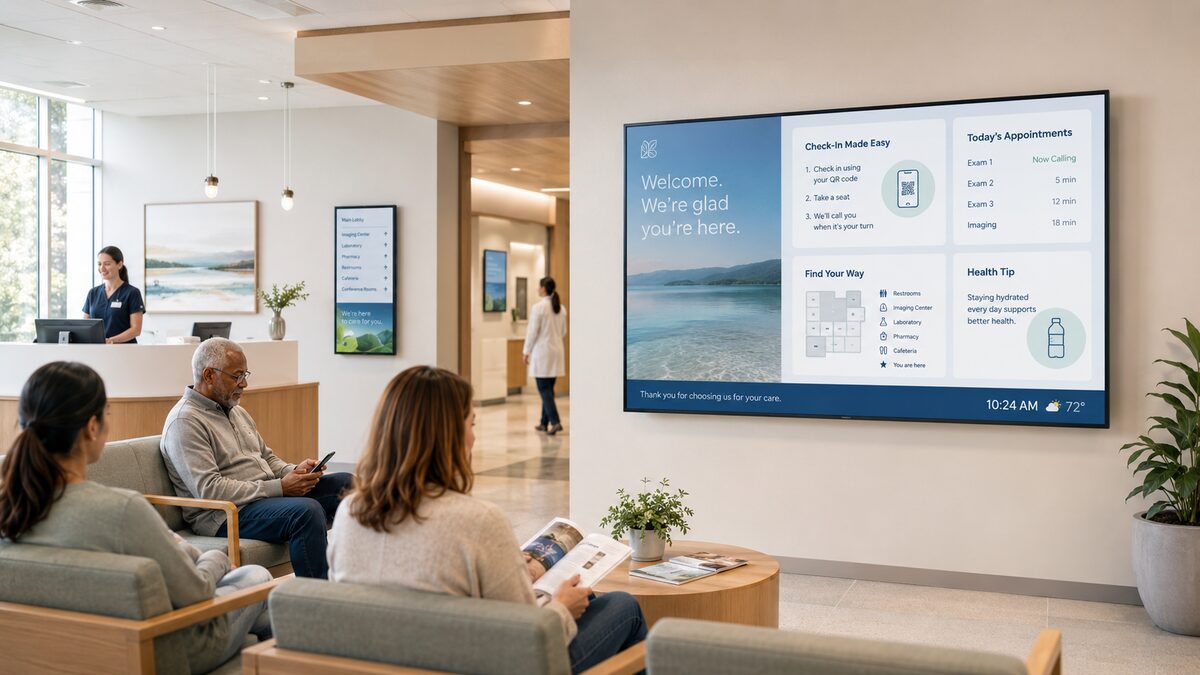
One channel for patient information out front and staff communication in the back.
Le Méridien keeps 118 properties across 30 countries aligned on the screens their teams already pass.
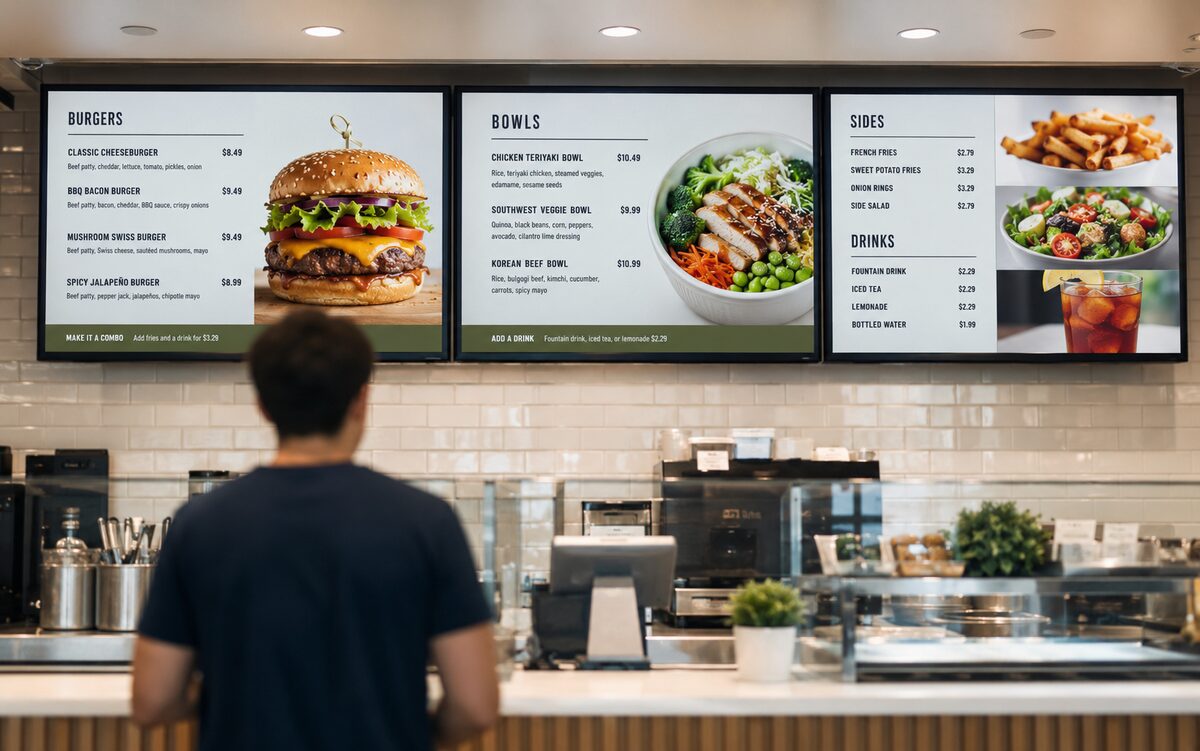
Menu boards out front, crew communication in the back — managed from one place.

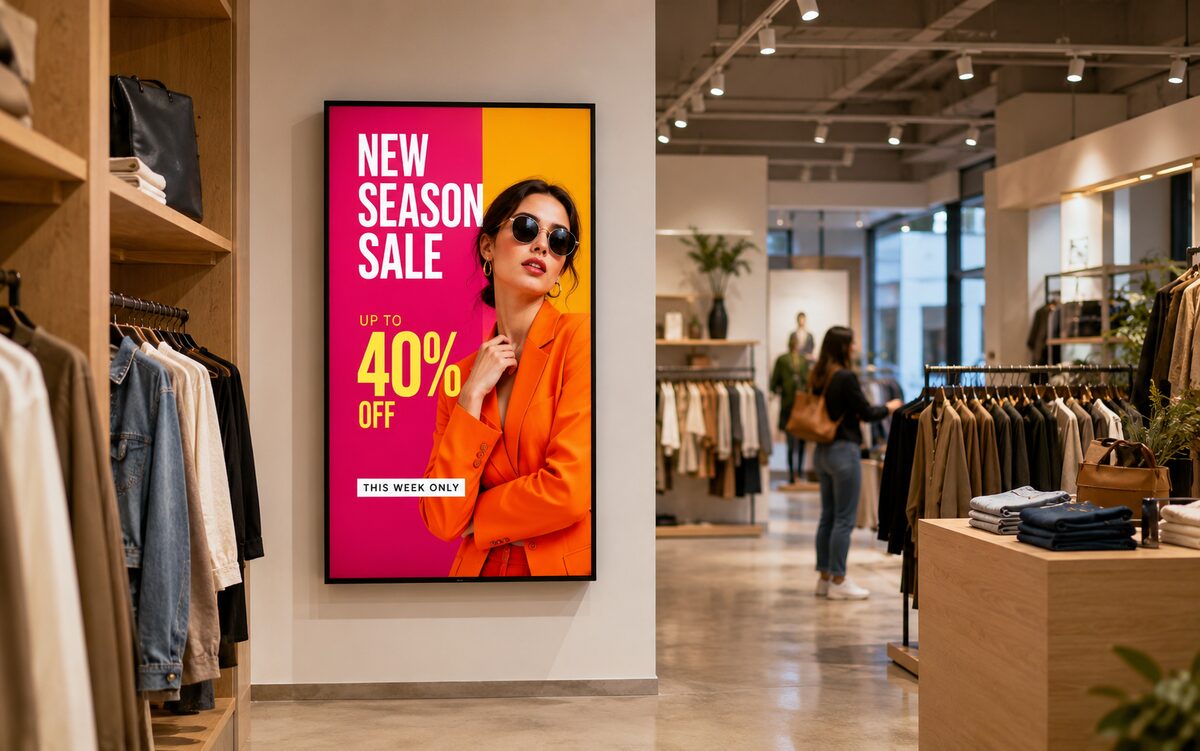
Promote in-store and keep staff aligned across every location.


Reach everyone in the building — including the people who never open the email.
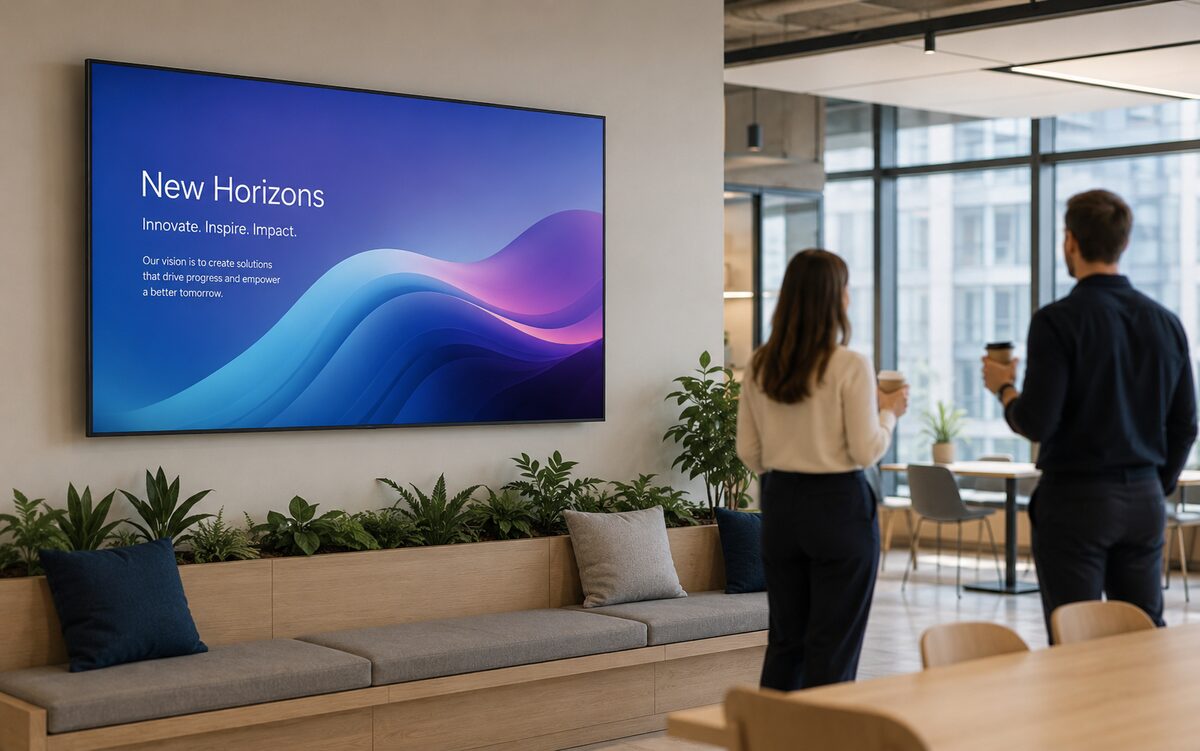
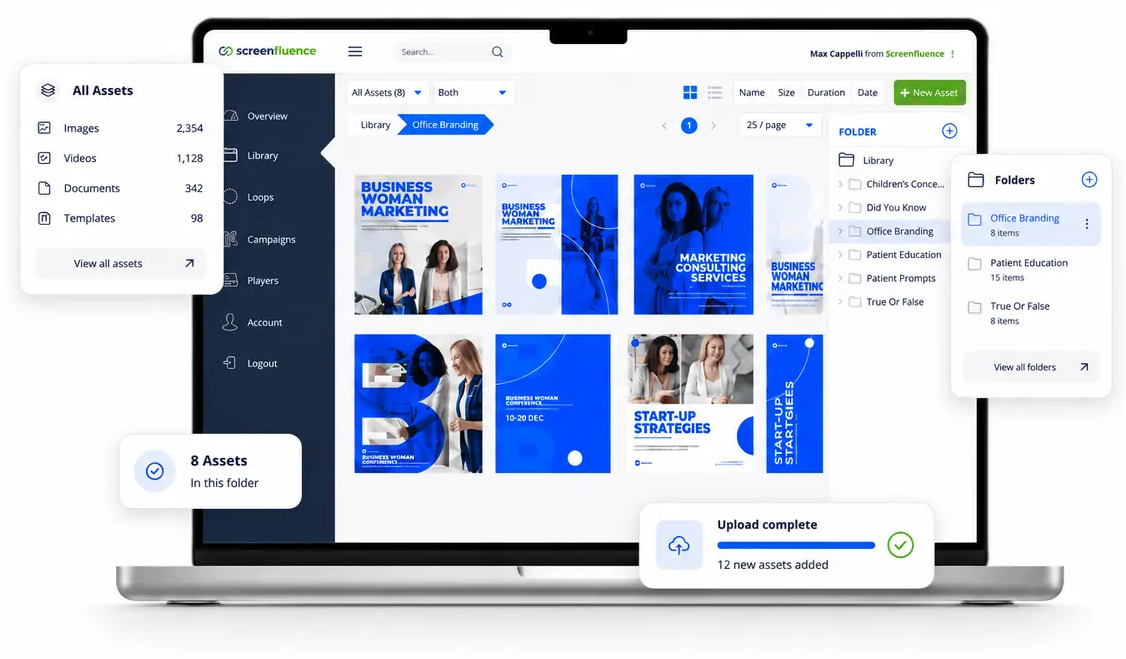
Upload media, build playlists and schedule what plays where — then push it live across one screen or thousands, from a single login.
Players arrive pre-configured — plug in two cables and your screens are live. No IT project required.
Drag images, videos, PDFs and slides straight into your library.
Build loops and set what plays, when and where — down to the day.
Push live across one screen or thousands, instantly, from anywhere.
See what’s playing where, get status at a glance and reboot devices.
Messages on screens get seen — in break rooms, hallways and floors — instead of dying in inboxes.
Safety notice? Outage? Policy change? Override every screen in every location instantly — from HQ or your phone.
Role-based access lets site managers update their own screens — while brand and critical messaging stays locked at HQ.
Content is cached locally on every player. If the internet drops, your screens keep playing. 99.99% uptime.
SOC 2 compliant, SSO/SAML, 2FA and full audit logs — hosted on AWS. Procurement-ready from day one.
Dedicated Customer Success Manager plus 24/7 support from real people — typical response under 90 seconds.
Turn the tools your teams already trust into screen-ready content — HR updates, dashboards, social posts, schedules and alerts, without asking every location to learn another system.









Security, access control, onboarding and procurement details are ready for review, so your team can move from pilot to rollout without chasing basics.
The difference shows up after kickoff: who helps you roll out, what comes included, and how easily every location stays under control.
Green means available. Red means missing or gated behind a higher tier. Gray means no clear public data.
| Enterprise requirement |  |  |  |  |
|---|---|---|---|---|
| Dedicated Customer Success Manager | Every account | Higher tiers | Top tiers | Enterprise only |
| Human support | 24/7 real people | Phone gated | Live support gated | Premium gated |
| Rollout assistance & onboarding | Hands-on setup | Self-serve | Top tiers | Enterprise only |
| Commercial-grade player | Proprietary player | Raspberry Pi | Android / add-on | Paid / gated |
| Plug-and-play hardware | Ready on arrival | Pre-configured | Self-setup | Self-setup |
| Role-based access control | Included | Enterprise only | Higher tiers | Roles & groups |
| System-wide alerts & takeovers | Emergency alerts | Available | No public data | No public data |
Dedicated Customer Success Manager
Human support
Rollout assistance & onboarding
Commercial-grade player
Plug-and-play hardware
Role-based access control
System-wide alerts & takeovers
At enterprise scale, Screenfluence costs less than ScreenCloud — with a dedicated Customer Success Manager included, not sold separately.
Comparison based on publicly listed pricing and documentation of each vendor, as of July 2026. Features and pricing of third-party products may change. Yodeck, OptiSigns and ScreenCloud are trademarks of their respective owners.

 Verified on Capterra
The ability to have a streamlined communications channel across our dispersed workforce (corporate + manufacturing employees) and the ability to have central control while also providing unique control capabilities per location.
Verified on Capterra
We needed a platform that could share information company-wide and also be customized for individual locations. Screenfluence fits the bill for us!
Verified on Capterra
Easy to use and implement. we customize the experience for each location and have the freedom to push different content to different displays at once.
Verified on Capterra
Our law office uses the platform over a few locations to help keep everyone in touch/informed.
Verified on Capterra
I can literally teach a user how to use the software in five minutes.
Verified on Capterra
Whenever I had questions or needed help they were always available and really helpful.
Verified on Capterra
The team was helpful and got me set up extremely quickly. The software makes it easy to manage all my customers signage remotely.
Verified on Capterra
They worked directly with us to ensure the displays were properly set-up, including assistance with image sizing.
Verified on Capterra
It is very easy to update the content on the screen using their software.
Yes. Screenfluence works with any TV or display that has an HDMI port. Our pre-configured media players plug straight in — no proprietary hardware, no replacements needed.
Each screen takes about a minute to set up: plug in two cables and it’s live. Full multi-location rollouts are typically measured in days, not months — and your dedicated Customer Success Manager plans it with you.
Nothing visible. Content is cached locally on every player, so screens keep playing exactly as scheduled. Once the connection returns, they sync automatically.
Role-based access control. HQ locks brand-critical and emergency messaging; regional and site managers get permission to update only their own screens. Every change is captured in an audit log.
Yes — SOC 2 compliant, SSO/SAML, two-factor authentication, full audit logs, hosted on AWS. We’re happy to complete your security questionnaire during the evaluation.
No. Screenfluence is month-to-month, with volume pricing for enterprise deployments. You stay because it works — not because a contract says so.
Enterprise pricing is volume-based — from $10 per screen per month at scale, with hardware-included options available. Your custom quote is part of the demo.
See how Screenfluence would work across your locations, teams and approval flow — with pricing and rollout guidance based on your actual screen count.
Book the enterprise walkthrough.
4.7 4.9
5.0